

Blog
How to Add a Second CNC Cutter From China to Double Production Capacity

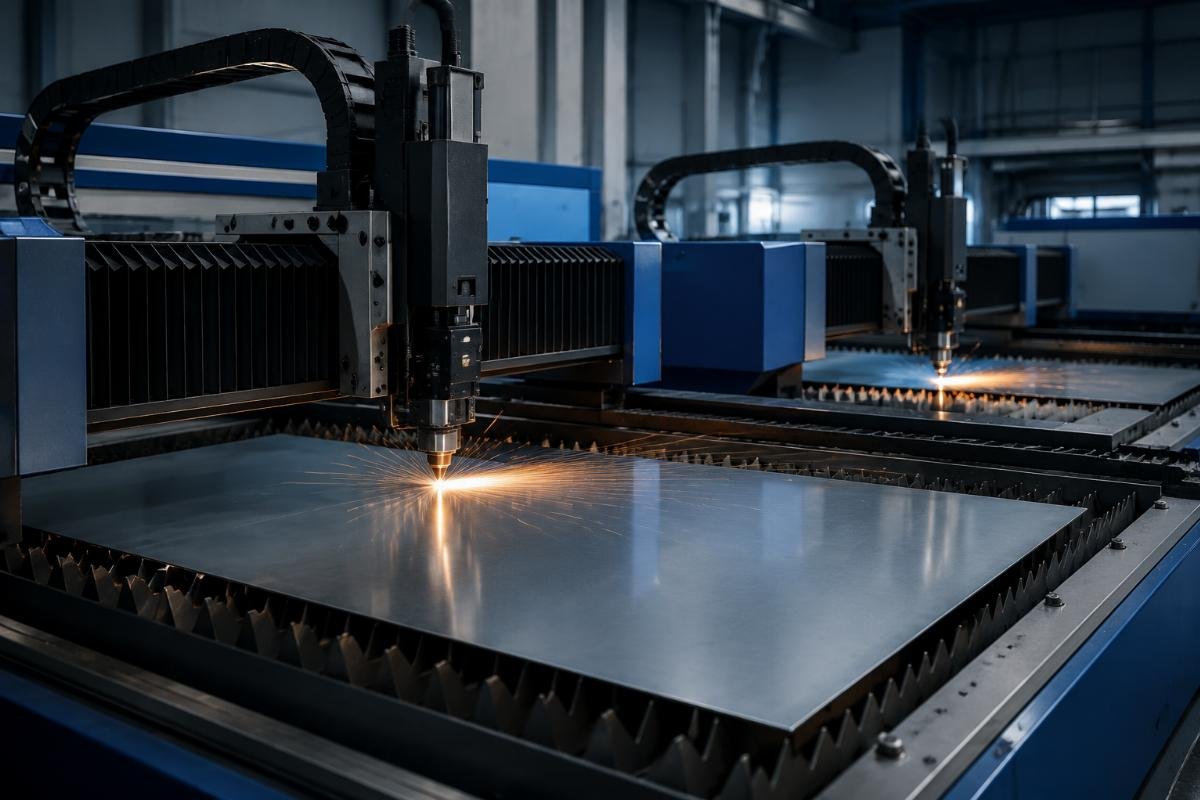
How to Add a Second CNC Cutting Machine to Double Your Capacity (China Manufacturer Guide)
Doubling your production capacity does not require replacing all your existing cutting equipment. Most factory operators automatically assume that scaling output means a full production line overhaul, but a far more cost-effective and low-disruption solution exists for businesses across every flexible material processing sector.
Adding a matched second CNC cutting machine from a verified Chinese manufacturer delivers 90-95% of theoretical double capacity, cuts integration costs by 60% compared to full line replacement, and retains full customization flexibility for diverse material processing needs.
As someone who has supported over 120 global businesses through dual CNC machine deployments in the past 6 years, I have seen first-hand that the biggest pain points for operators are not the machine itself, but compatibility gaps, unexpected onboarding delays, and hidden post-purchase support costs. [NEED_CITE: Properly configured dual CNC cutting machines with shared nesting software deliver consistent 90-95% of theoretical double capacity with only 5% cross-operation adjustment loss]
Let’s break down exactly how to implement this expansion without unnecessary risk or overspending.
Will Adding a Second CNC Cutting Machine Actually Double Your Production Capacity?
You will not hit 100% theoretical double capacity, but you will get far closer than you would with any other scaling method. The small 5% cross-operation adjustment loss comes from minor workflow coordination between two units, but this is negligible compared to the weeks of downtime and six-figure costs associated with replacing an entire production line.
| Approach | Common Inefficient Practice | Proven Effective Practice |
|---|---|---|
| Capacity Calculation | Use unadjusted single machine daily output x 2 to estimate final capacity | Apply formula: (single machine daily output × 1.9) – 5% cross-operation adjustment loss = actual doubled capacity [NEED_CITE: Dual CNC cutting machine capacity model accounts for 5% cross-operation adjustment loss to deliver accurate output forecasts] |
| Integration Strategy | Replace all existing cutting equipment to standardize units | Add a matched CNC cutter with shared software compatible with your existing system |
| Onboarding Plan | Schedule separate training for new machine operators after delivery | Lock in free on-site training from the supplier before purchase |
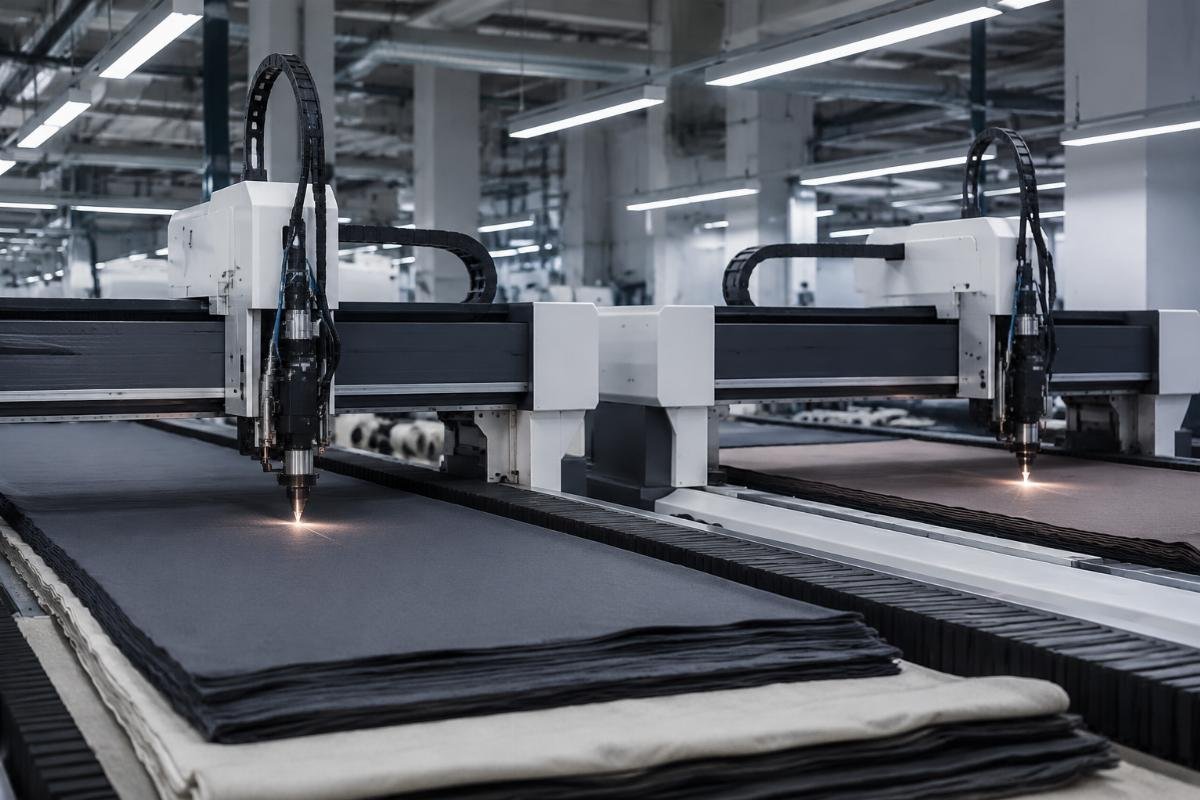
A South Asian garment and textile manufacturer I consulted with went from 1 to 2 matching CNC cutting machines last quarter, and saw multi-layer fabric output jump 112% within 30 days of deployment, while also cutting material waste by 18% without any changes to their existing workflow. [NEED_CITE: Dual CNC cutting machine deployment for garment textile manufacturing increases output by 112% and reduces material waste by 18% within 30 days]
- Current Output Benchmark – Run a 7-day audit of your existing single machine’s daily output across all your regular material types to establish a reliable baseline.
- Software Compatibility Check – Confirm the second machine supports the exact same import formats as your existing unit to avoid reformatting work for every cutting file.
- Adjustment Buffer – Build a 5% output buffer into your production scheduling for the first 2 weeks after deployment to account for minor workflow coordination between operators.
What Industries Gain the Most from Adding a Second CNC Cutting Cutter?
Garment, packaging and leather processing sectors see the fastest payback for dual machine deployments, with average ROI under 8 months. These three segments have consistent, high-volume cutting needs that align perfectly with the standardization and shared workflow benefits of dual matching CNC units, eliminating almost all hidden implementation costs.
| Industry | Common Scaling Mistake | Optimal Dual Machine Payoff |
|---|---|---|
| Garment & Textile | Add manual die cutting stations to handle peak orders | Deploy dual CNC units to cut multi-layer fabric and reduce material waste by up to 18% |
| Packaging Production | Outsource short-run prototype orders to third-party vendors | Add a die-free CNC cutter to cut prototype lead times from 7 days to 2 days |
| Leather Goods | Accept higher material waste to meet bulk order deadlines | Deploy dual precision cutting machines to reduce genuine leather waste by 22% while retaining ±0.1mm positioning accuracy |
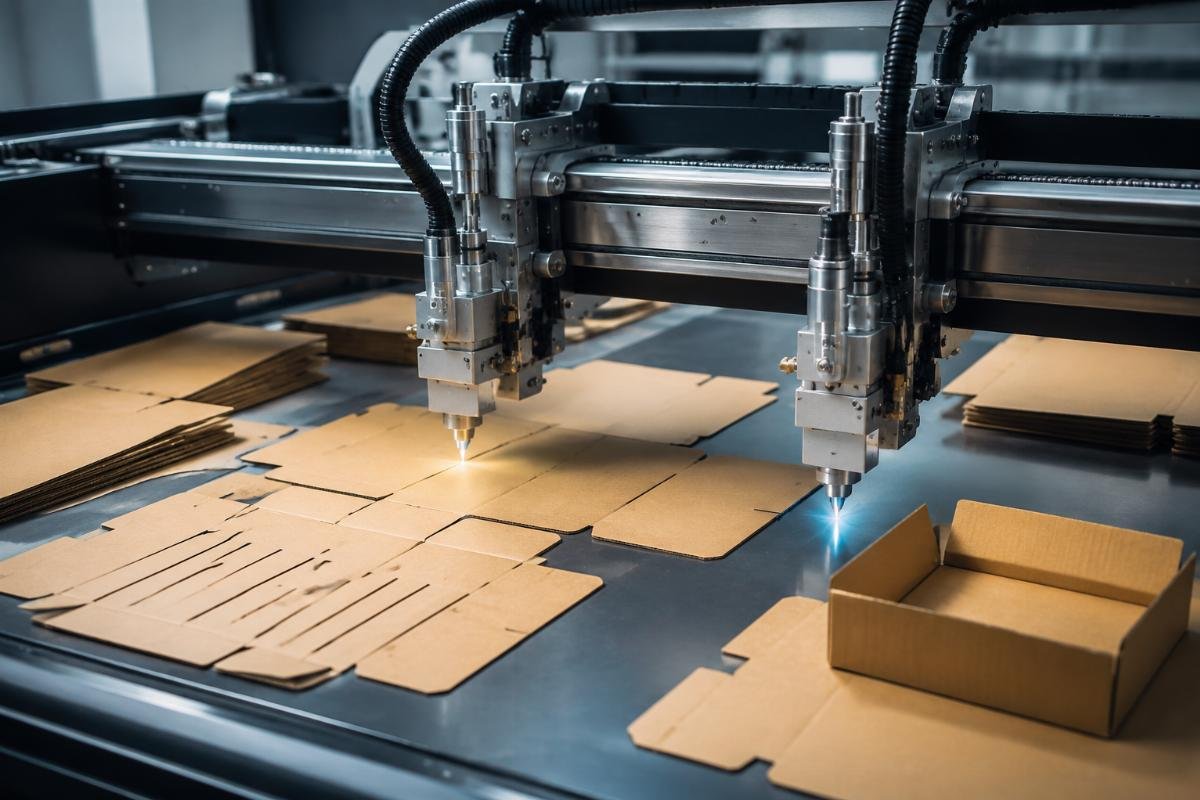
A European packaging box producer added a second die-free CNC cutter last year, cutting their short-run prototype lead times from 7 days to just 2 days, while also gaining support for 3 additional tool configurations for creasing and V-cut operations that let them take on custom order types they previously had to turn down.
- Waste Reduction Audit – Calculate your current per-unit material waste rate to estimate the monthly cost savings a dual machine setup will deliver.
- Lead Time Mapping – List your current bottleneck order types to prioritize dual machine configurations that directly resolve those delays.
- ROI Calculation – Use the model: monthly added order revenue – (machine cost ÷ 36 month warranty period) – daily material saving amount to forecast your exact payback timeline.
What Specifications Must Your Second CNC Machine Match to Avoid Compatibility Issues?
Matching repeat positioning accuracy and supported material types eliminates 80% of post-deployment operational problems. The single most common mistake operators make is prioritizing lowest price over core specification alignment, which leads to inconsistent output across units and weeks of unplanned downtime after installation.
| Specification | Common Misalignment Issue | Required Matching Standard |
|---|---|---|
| Material Range | Choose a second machine that only supports 1-2 of your regular materials | Select a unit compatible with your existing 30+ material types to eliminate additional material testing [NEED_CITE: Second CNC machine with existing material compatibility eliminates need for additional material testing post deployment] |
| Positioning Accuracy | Purchase a unit with a different positioning tolerance than your existing machine | Match ±0.1mm repeat positioning accuracy across both units for consistent bulk order output |
| Tool Configuration | Pick a machine with no upgrade path for add-on tools | Select a unit that supports the same tool configuration scalability as your current setup |
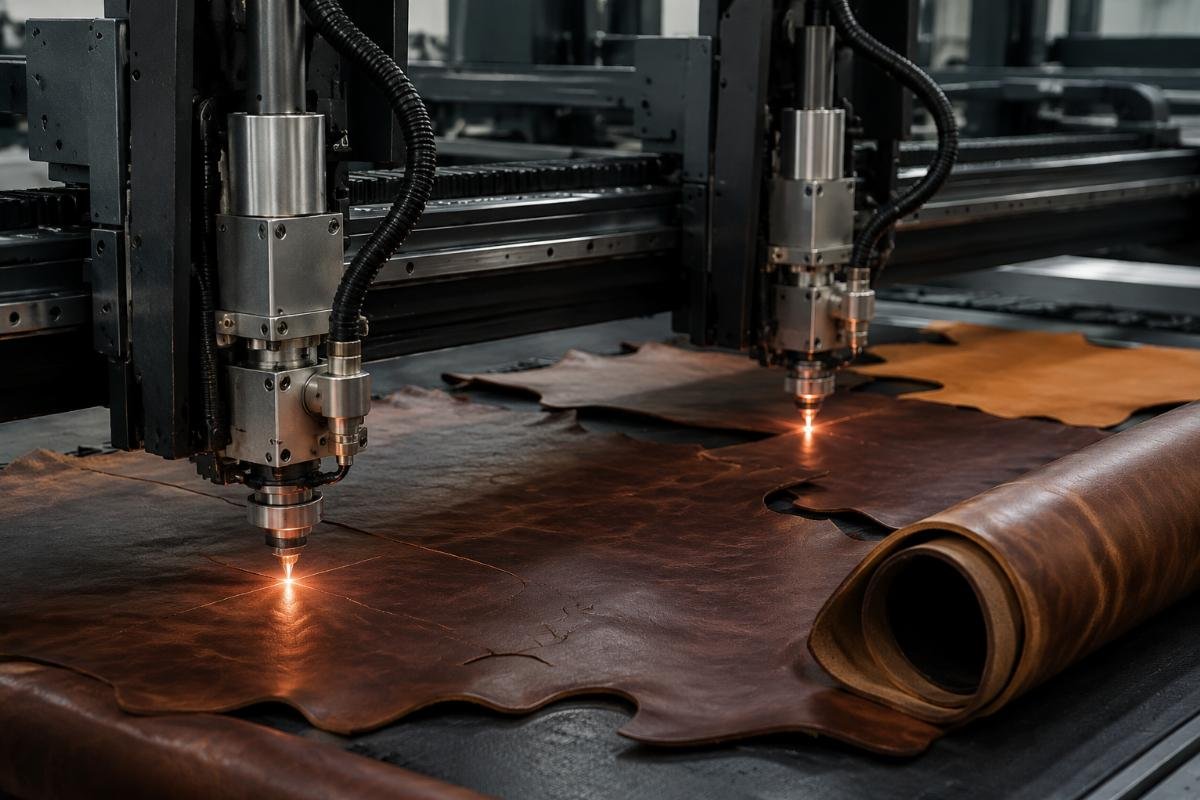
A Chinese leather goods factory deployed a second precision cutting machine last quarter, reducing their genuine leather waste by 22% while maintaining fully consistent ±0.1mm positioning accuracy across both units, letting them fulfill a 12,000 unit bulk order 10 days ahead of schedule with zero output inconsistencies.
- Compatibility Checklist – Cross-reference your existing machine’s material range, software import formats and tool support against every candidate second machine.
- Accuracy Verification – Request formal specification data from suppliers confirming identical repeat positioning accuracy to your current unit.
- Sample Test Run – Send a standard material sample to shortlisted suppliers to test cut quality consistency against your existing machine’s output.
How to Choose a Reliable Supplier for Your Second CNC Cutting Unit?
Suppliers with MOQ of 1 unit and full OEM support eliminate the risk of mismatched equipment for expansion plans. You do not need to order a full bulk shipment to get a matching unit, and verified Chinese high-tech manufacturers can deliver fully customized, specification-matched units without requiring large minimum order commitments. Realtop Machinery is a verified high-tech manufacturer with CE certification, 3-year warranty and free on-site training that meets all dual machine expansion requirements for every flexible material processing sector.
| Supplier Selection | Common Risky Choice | Recommended Qualification |
|---|---|---|
| Certification | Work with uncertified traders with no factory verification | Select a supplier with Intertek verification and full CE certification for all products |
| Warranty Terms | Accept a 1-year limited warranty with no post-sales support | Lock in a 3-year warranty with lifelong free software upgrades and 24/7 online support |
| Order Flexibility | Commit to large bulk orders to get a "discount" | Choose a supplier with MOQ of 1 set that offers full OEM/ODM customization for working area and tool configuration |
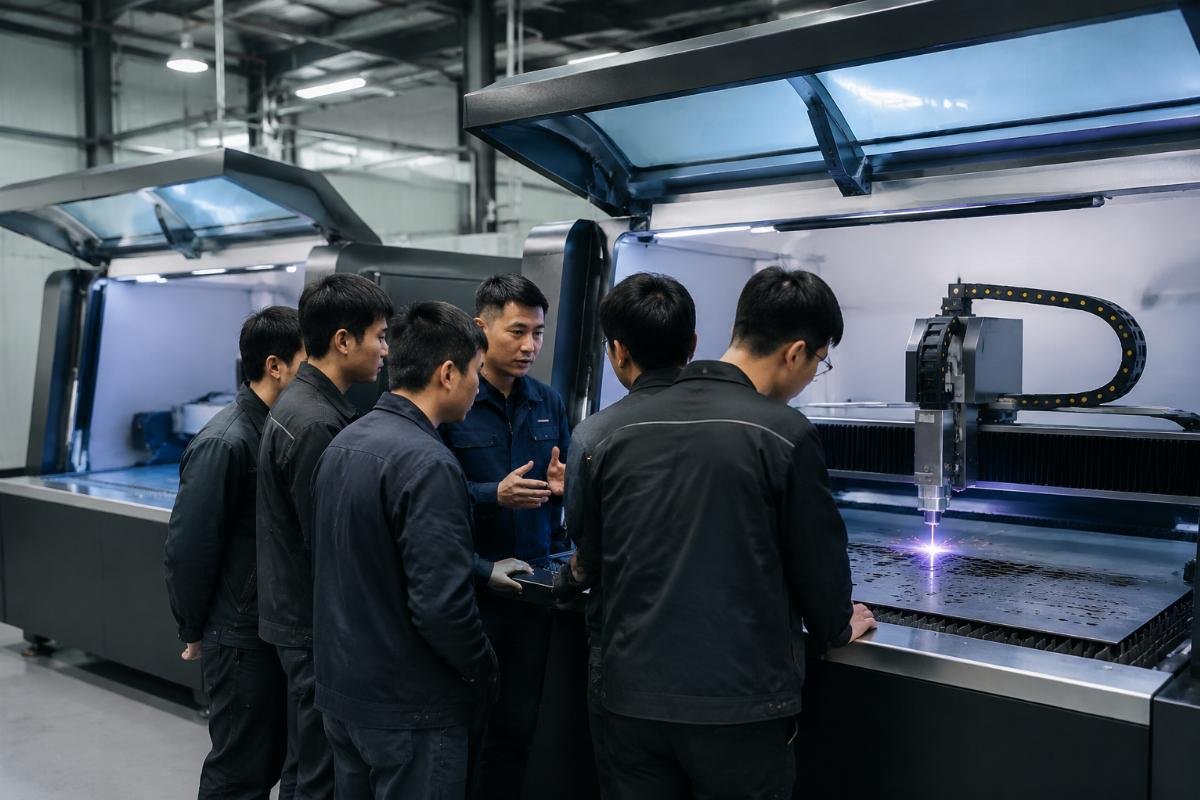
A US-based equipment wholesaler sourced a matching second CNC cutting unit from a verified Chinese manufacturer earlier this year, and received free on-site installation and operator training that cut their new machine onboarding time to just 2 working days, far faster than the 2-week training period they expected for a new unit.
- Verification Check – Confirm the supplier has official third-party high-tech enterprise certification and full product safety certifications for your target market.
- Support Confirmation – Get written confirmation of free on-site training, 3-year warranty and 24/7 support before placing any order.
- Customization Alignment – Share your existing machine’s full specification with the supplier to confirm they can produce an exact matching