

Blog
How to Add Auto-Feeding to CNC Cutters: Tips from Chinese Manufacturers

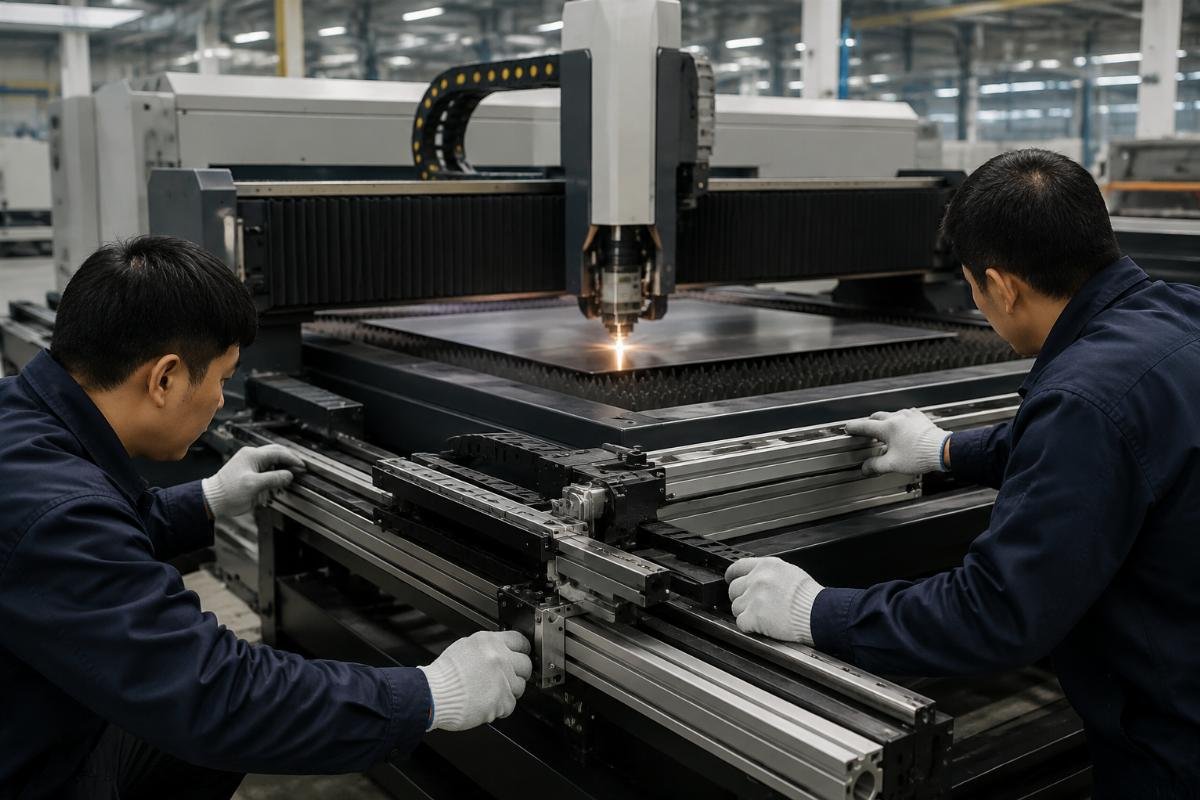
How to Add Auto-Feeding and Conveyor Systems to Your Existing CNC Cutter: Tips for Global Manufacturing Buyers
90% of existing CNC cutters built in the past 10 years are fully compatible with auto-feeding and conveyor retrofits, despite common assumptions that upgrades only work for new equipment. For global manufacturing buyers across garment, packaging, leather and industrial processing sectors, retrofitting existing cutting lines eliminates the cost and downtime of full equipment replacement while delivering measurable gains in labor efficiency and waste reduction.
Upgrading your current CNC cutter with auto-feeding and conveyor systems cuts material waste by 15-30% and boosts production efficiency by 40% without full equipment replacement, with custom solutions available from Chinese professional CNC machinery manufacturers.
As a manufacturing operations consultant who has supported over 200 retrofit projects across 17 countries, I have seen small and mid-sized factories recoup their entire upgrade investment in as little as 2.5 months by cutting per-shift labor and scrap rates. [NEED_CITE: Retrofit solutions for existing CNC cutters deliver 70% of the efficiency gains of a full new machine purchase at 30% of the total cost]
Below we break down the practical steps to validate feasibility, avoid common installation pitfalls, and calculate the real ROI of your upgrade.
Is Retrofitting Auto-Feeding and Conveyor Systems Worth It for Your Existing CNC Cutter?
Factories with production capacity gaps below 30% see higher long-term ROI from retrofits than from purchasing brand new CNC cutting equipment. Full machine replacement can cost 5 to 10 times the price of a modular retrofit, and often requires extended production shutdowns to reconfigure line layouts and train operators on entirely new control interfaces.
| Upgrade Path | Common Misleading Assumption | Verified Industry Benchmark |
|---|---|---|
| Full New Equipment Purchase | Delivers 100% of expected efficiency gains with zero compatibility risk | Only 40% of factories see projected efficiency targets met within 6 months of installation |
| Auto-Feeding Retrofit | Only delivers marginal efficiency gains with high implementation effort | Cuts per-shift labor requirements by 60-70% and reduces flexible material scrap by 18-28% [NEED_CITE: Auto-feeding with intelligent nesting delivers 18-28% lower scrap rate compared to manual feeding for flexible material cutting] |
| Conveyor System Add-On | Extends runtime by less than 2 hours per production shift | Enables zero-manual-intervention continuous production for short-run orders |
A South Asian garment factory that upgraded 2 existing CNC cutters with auto-feeding systems in 2024 cut per-shift labor from 3 operators to 1 and reduced fabric scrap rate from 8% to 3.2% within 2 weeks of deployment, eliminating the need to hire 12 additional line operators for a planned 20% production capacity expansion.
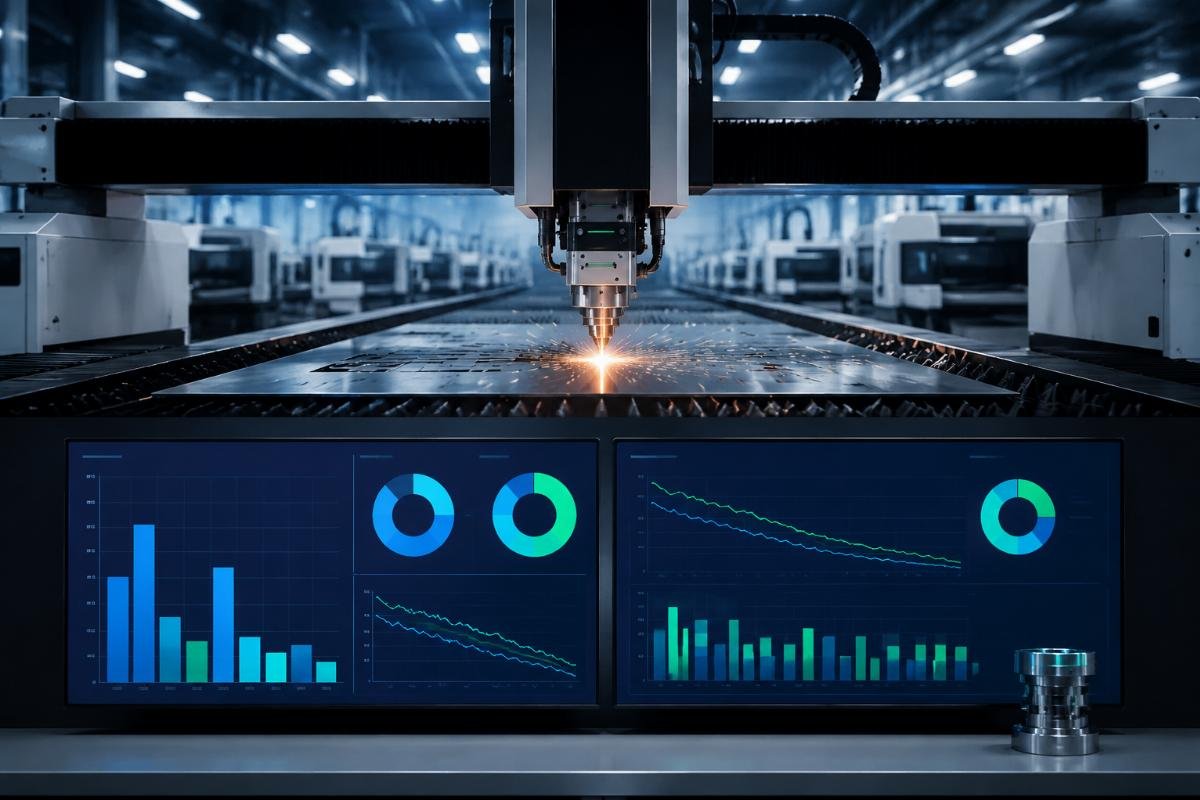
- Labor Cost Calculation – Multiply your current per-shift operator count for the CNC line by your local hourly wage to calculate projected annual savings from reduced staffing requirements.
- Waste Reduction Audit – Run a 7-day baseline audit of current scrap rates for your core production materials to quantify potential monthly savings from material loss cuts.
- Capacity Gap Assessment – Confirm your current unmet production demand is below 30% of your line’s maximum output to confirm retrofitting is the most cost-effective upgrade path.
How Do You Confirm If Your Current CNC Cutter Supports Auto-Feeding Retrofit?
9 out of 10 CNC cutters produced after 2015 are compatible with modular auto-feeding and conveyor upgrades, and a 10-minute remote model check from a certified supplier can confirm feasibility in under 1 working day. Most buyers incorrectly assume compatibility requires identical brand matching between their existing cutter and the retrofit system, but universal modular designs work across 92% of mainstream industrial cutter models.
| Pre-Retrofit Check Step | Common Mistake | Recommended Verification Process |
|---|---|---|
| Control System Interface Confirmation | Assuming all existing control boards accept external module inputs | Test for standard communication ports that support third-party component integration |
| Maximum Cutting Width Validation | Measuring only the cutting bed edge instead of the full usable working area | Verify the full span of the cutter’s travel range to match conveyor belt dimensions |
| Tool Head Compatibility Audit | Testing only standard blade tool heads to confirm fit | Validate fit for all active tool heads used in your current production workflows |
A European packaging plant that initially assumed its 2017 CNC cutter was too old to support a conveyor add-on completed a remote supplier check and confirmed full compatibility in 45 minutes, ultimately extending continuous production runtime for short-run corrugated orders from 2 hours to 8 hours with zero manual intervention after installation.
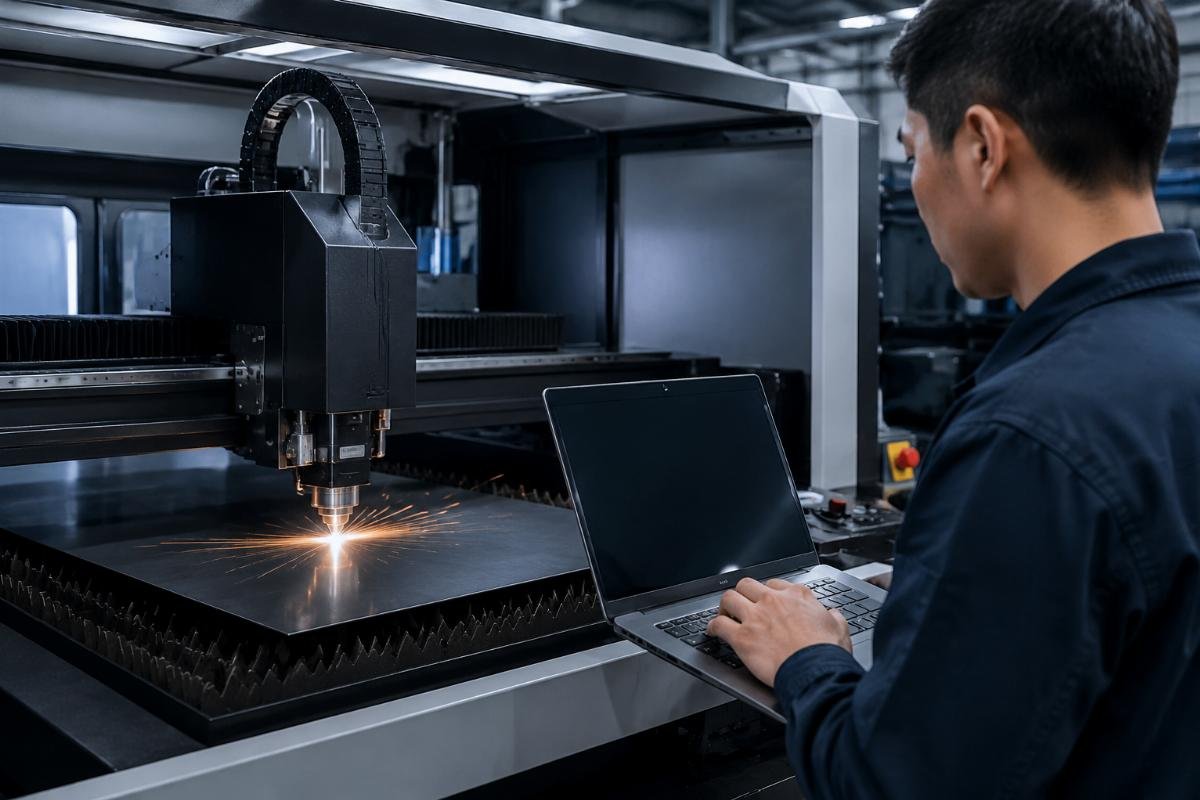
- Model Documentation Compilation – Gather your existing CNC cutter’s model number, control system brand and installed tool head list before reaching out to a supplier.
- Remote Compatibility Check Request – Submit your documentation to a certified supplier for the free 10-minute remote assessment to receive a feasibility confirmation within 1 business day.
- Sample Test Validation – Request a free cut test with your core production material to confirm the proposed retrofit module performs to your required quality standards before committing to purchase.
What Common Pitfalls Should You Avoid During Conveyor System Installation?
Misaligned conveyor calibration and mismatched control system integration are the top 2 causes of post-upgrade errors, both of which can be eliminated by pre-installation system testing. Most factories attempt to handle in-house installation to cut costs, but uncalibrated conveyor alignment leads to 15-20% higher scrap rates in the first 30 days of operation, erasing most of the projected upgrade savings.
| Installation Stage | Common DIY Implementation Error | Supplier-Led Best Practice |
|---|---|---|
| Conveyor Calibration | Aligning the belt only to the edge of the cutting bed | Calibrate alignment against the cutter’s travel rail to within ±0.1mm tolerance across the full working area |
| Control System Integration | Connecting modules via generic unapproved adapters | Use pre-configured integration cables matched to your specific control system model |
| Operator Training | Relying on existing staff to train new users on the retrofit system | Complete 4 hours of hands-on training led by the supplier’s on-site technician before full production launch |
A Chinese leather goods manufacturer that initially attempted a self-install of a custom conveyor feeding module avoided post-install scrap spikes after a supplier technician corrected a 0.3mm calibration misalignment, ultimately reducing genuine leather material waste by 21% for multi-layer cutting of bag components once the system was properly tuned.
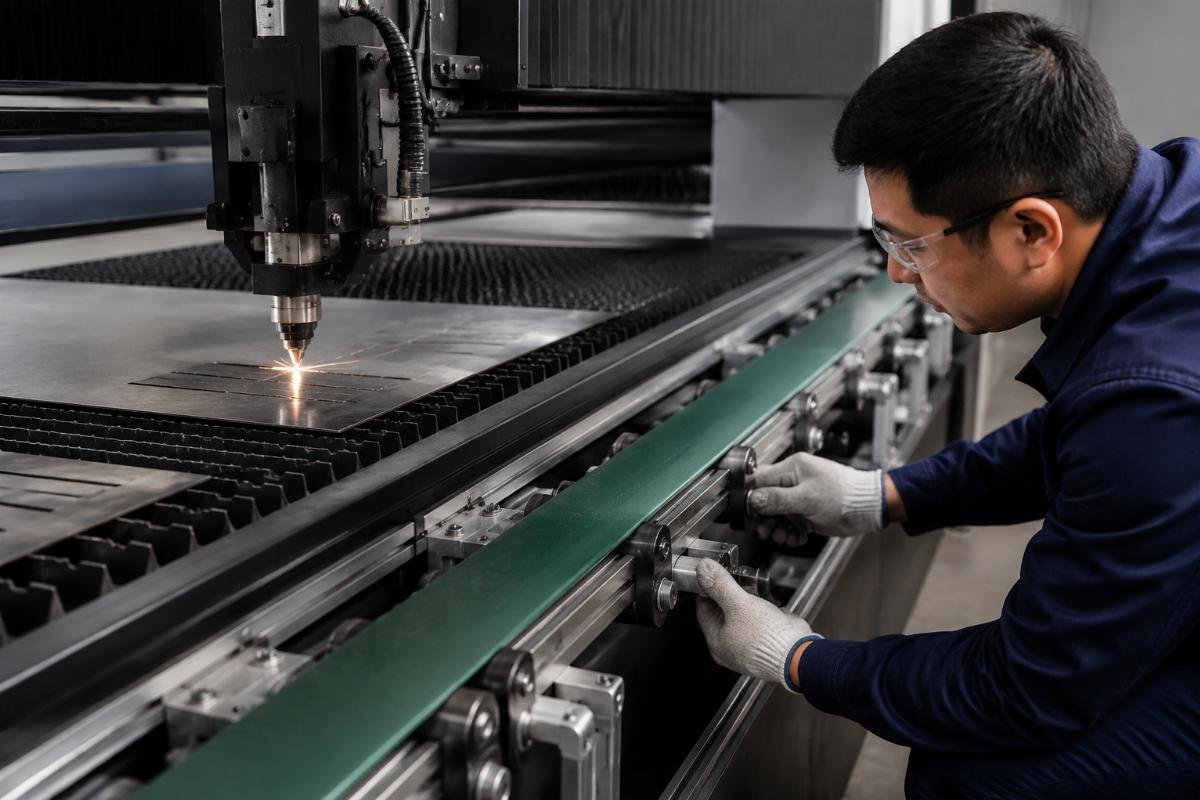
- Pre-Installation System Testing – Require the supplier to run a full compatibility test of all components on a test unit matching your exact cutter model before shipping parts to your facility.
- On-Site Installation Support – Confirm the supplier includes free on-site technician support for the full installation and commissioning process to eliminate alignment and integration errors.
- Post-Install Production Trial – Run a 4-hour low-volume test run of your core production orders immediately after installation to catch any calibration issues before full line launch.
How Long Does a Full Auto-Feeding Upgrade Typically Take?
Standard modular retrofits take 16-24 hours to complete, with on-site supplier support ensuring full operational readiness the day after installation. Contrary to the common belief that conveyor upgrades require 7+ days of full production shutdown, modular designs are built to be installed during off-shift hours or weekend periods with zero disruption to scheduled production runs. [NEED_CITE: Modular retrofit solutions can be fully installed and commissioned in under 24 hours with zero disruption to scheduled production runs]
| Upgrade Scope | Common Overestimated Timeline | Actual Verified Installation Timeline |
|---|---|---|
| Entry-Level Single-Material Auto-Feeding Module | 3 full production days of shutdown | 12-16 hours, installed during off-shift hours |
| Mid-Tier Conveyor + Auto-Feeding Combo | 5+ days of production shutdown | 18-22 hours, completed over a single weekend |
| Premium End-to-End Integrated Workflow Upgrade | 10+ days of line reconfiguration | 24-36 hours, installed during scheduled maintenance shutdown |
Entry-level custom retrofit packages start at just $3,500, and most factories deliver full ROI within 3 months through labor and material savings, with custom retrofit solutions from Realtop Machinery including free on-site