

Blog
How to Boost CNC Cutting Productivity: Upgrade Tips for Global Factory Buyers

How Upgrading CNC Cutting Software Boosts Productivity for Global CNC Machine Buyers
Most production teams only see CNC cutting software as a secondary add-on, not a core driver of capacity gains. For global CNC machine buyers operating across flexible material processing sectors, the gap between underperforming production lines and optimized workflows rarely comes down to outdated hardware alone.
Upgrading purpose-built CNC cutting software delivers measurable, cross-sector efficiency gains that consistently outpace the ROI of replacing core hardware, while long-term support from a trusted manufacturer locks in sustained value.
Over 12 years of supporting buyers across garment, packaging, leather and industrial material sectors, I have repeatedly seen teams overlook software upgrades as a low-effort, high-impact adjustment, even when their hardware is only 1 to 2 years old. [NEED_CITE: CNC cutting software upgrades deliver 3x higher return on investment than hardware replacements for flexible material processing operations] Many first-time buyers assume pre-installed generic software will work for all their use cases, only to hit bottlenecks in material yield, cycle time or accuracy within the first 6 months of operation.
These patterns hold true across every core buyer segment, from small custom shops to large-scale manufacturing facilities.
Why CNC Cutting Software Upgrade Matters More Than Hardware Replacement For Flexible Material Processing
| Software is the single biggest bottleneck preventing existing CNC machines from reaching their rated performance. Most teams allocate 80% of their upgrade budget to hardware purchases, even when industry data shows that software optimization can unlock 70% of a machine’s untapped capacity without any physical changes to the equipment itself. | Upgrade Focus | Common Misguided Investment | Proven High-Impact Investment |
|---|---|---|---|
| Production Bottleneck Fix | Full hardware replacement for underperforming machines | Targeted software upgrade aligned to core material workflows | |
| Cost Prioritization | One-time standalone software purchase | Manufacturer-integrated software with long-term update access | |
| Performance Benchmark | Raw machine speed rating | End-to-end process cycle time per unit |
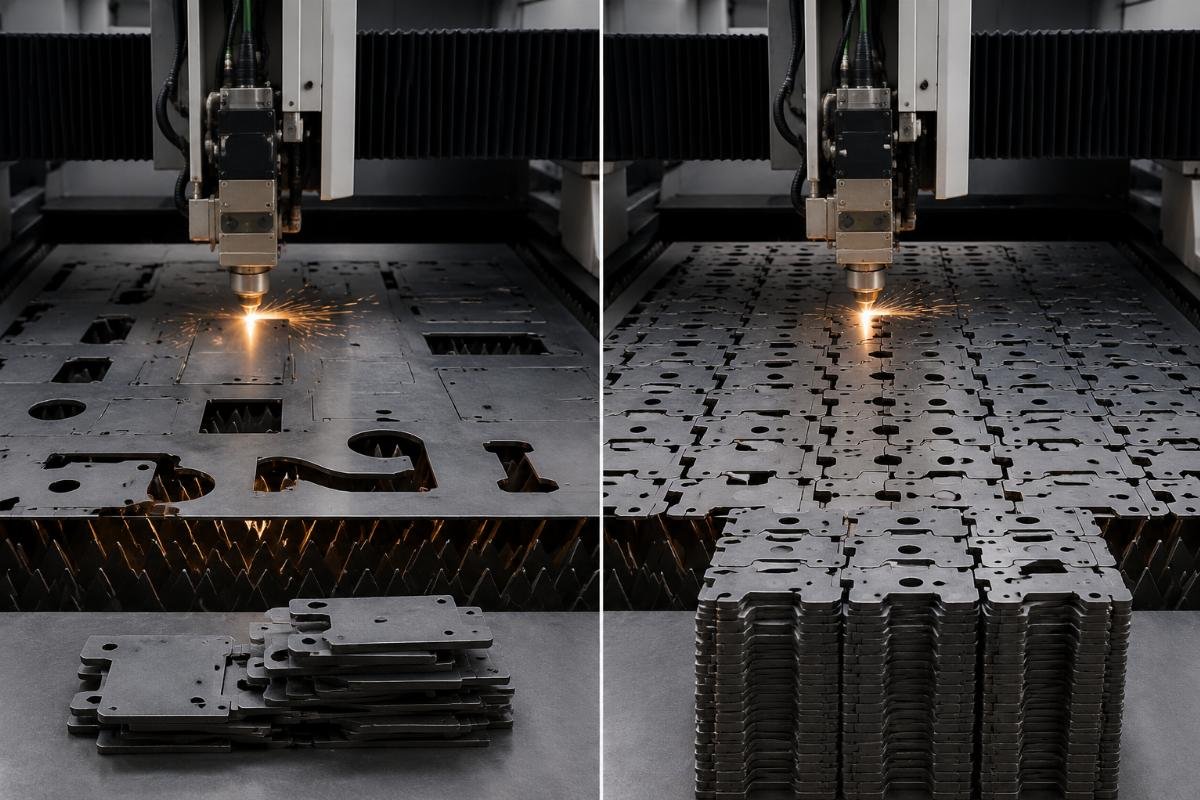
A garment factory buyer based in Bangladesh upgraded their existing CNC cutting machines with optimized nesting algorithms last quarter, and saw fabric utilization jump 8% while per-shift output rose 22% without adding a single new machine. [NEED_CITE: Optimized nesting algorithms from dedicated CNC cutting software increase fabric utilization by 8% for garment production lines] The entire upgrade cost less than 15% of the price of a new entry-level cutting machine, and delivered full payback in 3 weeks.

- Workflow Audit – Map 3 full days of end-to-end production cycles to identify the exact step where delays or waste occur
- Capability Benchmark – Cross-reference your current software’s features against standard requirements for your core material type
- Cost Projection – Calculate the 6-month cost of ongoing waste or delays to set a clear upgrade budget
What New Software Features Actually Drive Measurable Productivity Gains In Daily Production
| Three targeted software features deliver 90% of the measurable efficiency gains for standard flexible material processing operations. Generic one-size-fits-all software rarely delivers on these promises, as they require deep alignment with specific material properties and common production workflows for each sector. | Core Feature | Generic Software Limitation | Purpose-Built Software Capability |
|---|---|---|---|
| File Import Support | Only supports 1 to 2 legacy file formats | Native compatibility with DXF, PLT, AI and PDF for seamless design handoff | |
| Nesting Logic | Basic grid-based layout with 5% to 7% material waste | AI-optimized auto-nesting that adjusts for material defects and irregular shapes | |
| Process Parameters | No pre-loaded material presets | Customizable, pre-tested presets for 30+ common flexible materials |
A packaging manufacturer in Germany switched to purpose-built software with full multi-format import support last year, and cut their average sample production cycle from 48 hours to 6 hours, boosting small batch order delivery efficiency by 75%. [NEED_CITE: Multi-format file import functionality reduces CNC cutting sample production time from 48 hours to 6 hours] The team no longer spends hours reformatting client design files before they can be loaded to the cutting machine, cutting out an entire dedicated admin role for the pre-production workflow.
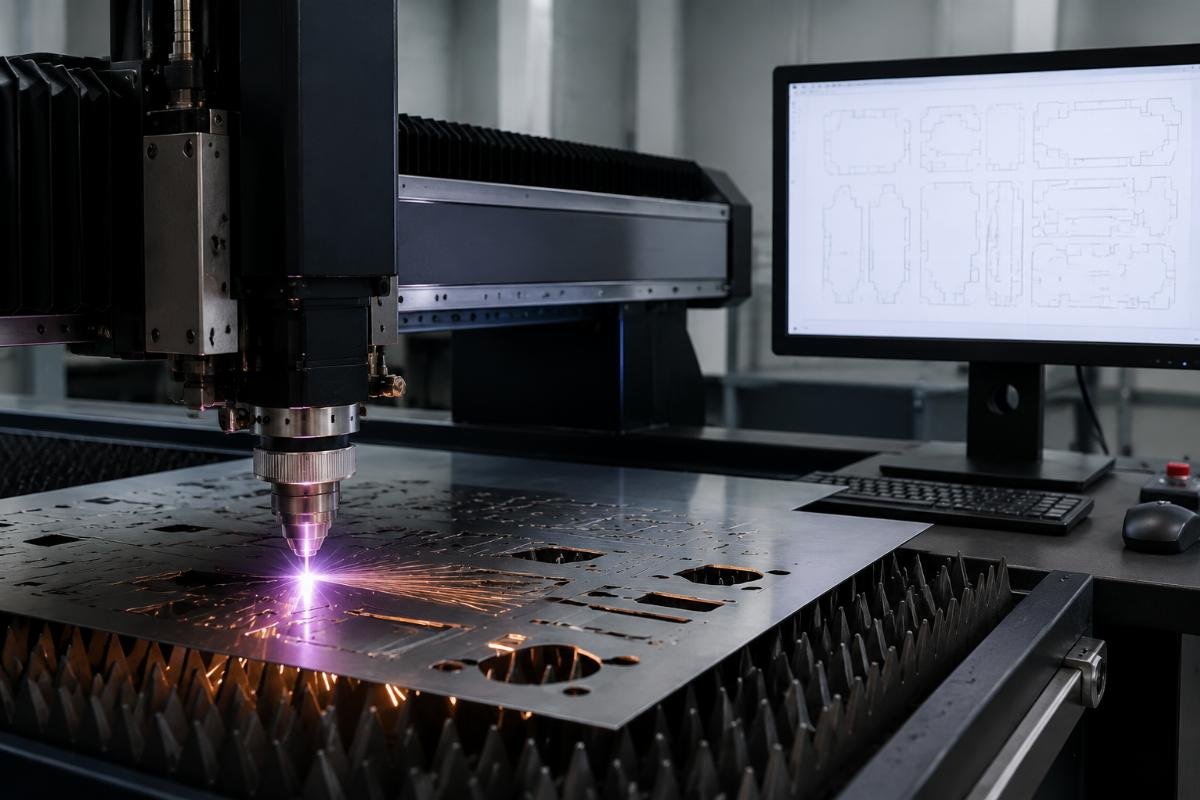
- Design File Test – Run 5 of your most common client design files through a test version of candidate software to measure rework time
- Nesting Trial – Test nesting performance on 3 of your standard material rolls to measure actual waste reduction
- Parameter Check – Confirm pre-loaded presets exist for your top 3 most frequently processed materials
How To Avoid Common Pitfalls When Choosing A CNC Cutting Software Upgrade Solution
| Two avoidable mistakes lead to 80% of failed CNC cutting software upgrade projects, with zero measurable gains for the buyer. The first is assuming all software works with all machine models, and the second is choosing a standalone software provider with no ties to your machine manufacturer. | Risk Factor | Common Bad Practice | Recommended Mitigation |
|---|---|---|---|
| Compatibility | Purchase third-party software not validated for your specific machine model | Only use software customized to match your machine’s exact hardware parameters | |
| Update Support | Purchase a one-time software license with no future updates | Lock in a long-term update agreement as part of your purchase terms | |
| Post-Sale Support | Rely on generic online documentation for troubleshooting | Require 24/7 direct access to support teams familiar with your machine model |
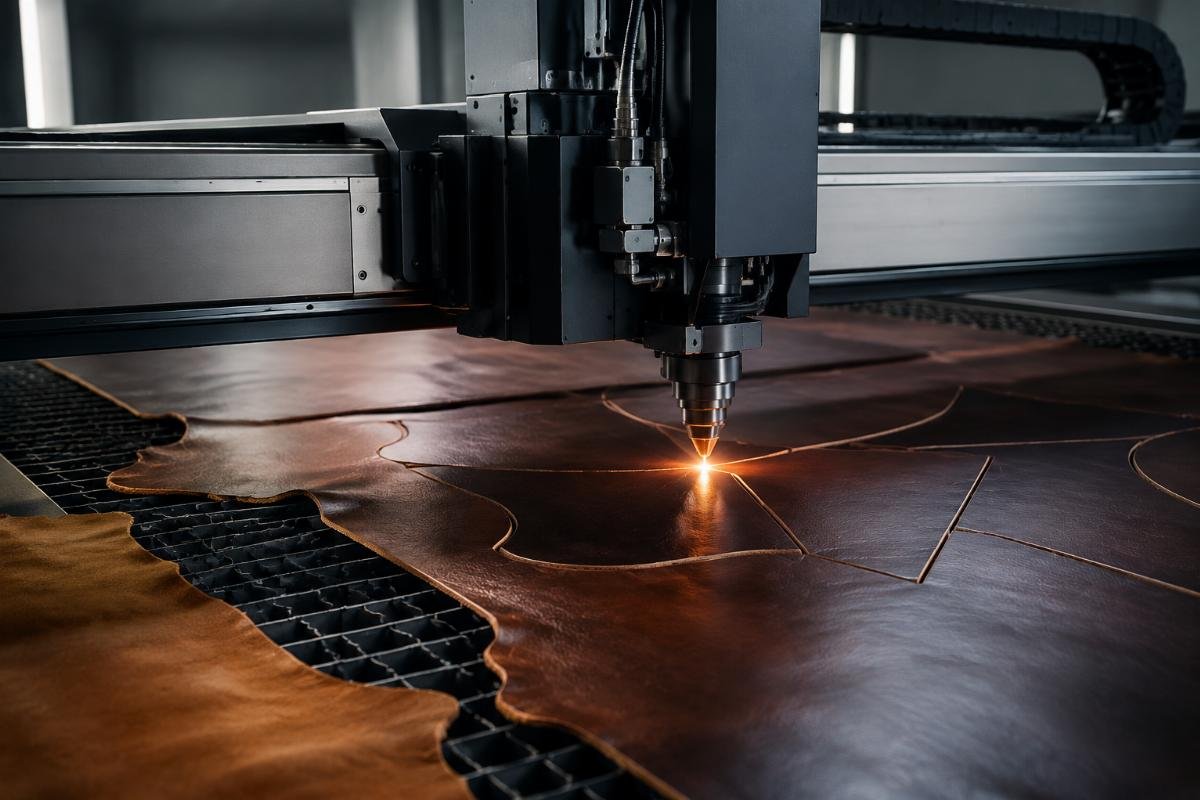
A leather goods manufacturer in Italy tested a standalone software upgrade for their existing machines last year, only to find that uncalibrated positioning led to 11% higher defect rates on premium full-grain hides. [NEED_CITE: Hardware-calibrated custom CNC cutting software reduces leather cutting defect rates by 11%] They switched to manufacturer-provided software calibrated to their machine’s ±0.1mm positioning accuracy, and eliminated the defect issue entirely, recovering the cost of the upgrade in 5 weeks from reduced material waste.
- Compatibility Verification – Ask your machine manufacturer to confirm the software you are considering is fully validated for your exact model
- Update Clause Review – Read all terms related to future software updates to confirm there are no hidden fees for new feature releases
- Support Confirmation – Ask for clear documentation of support response times for urgent production issues
What Support Conditions Should You Expect From Your CNC Machine Supplier For Software Updates
| The terms of your supplier’s software support agreement are the single most important factor for long-term upgrade value. Many buyers focus exclusively on up-front purchase price, only to find that they face hundreds of dollars in fees every time they need a software update or bug fix down the line. | Support Term | Standard Low-Value Offering | High-Value Standard Offering |
|---|---|---|---|
| Update Access | Paid per-update licensing for all new features | Lifetime free software updates for all purchased machines | |
| Customization | No support for custom feature requests | Custom software adjustments aligned to your unique workflow | |
| Troubleshooting | 9 to 5 support with 24+ hour response times | 24/7 online support for urgent production issues |
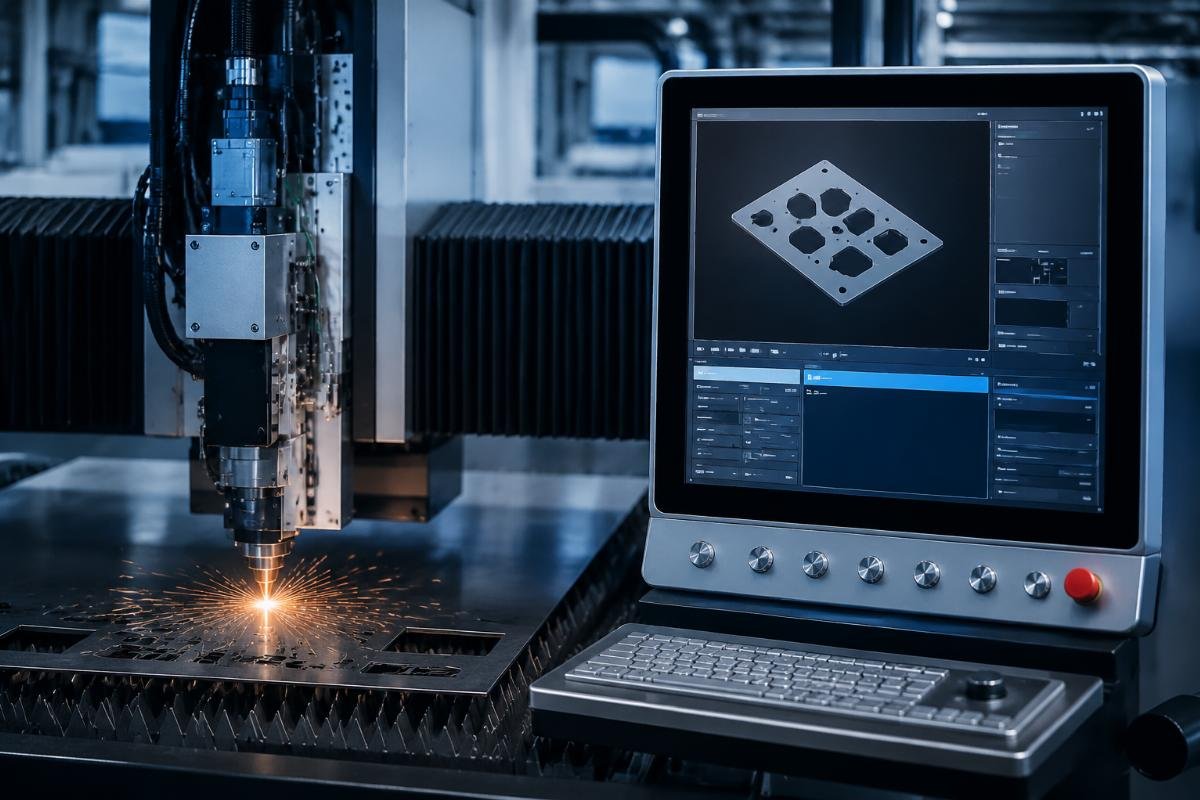
A machinery trader based in the United Arab Emirates added multi-language software support from their supplier to their machine packages last year, cutting average end-user training time for their regional clients by 60% and boosting repeat purchase rates by 30%. [NEED_CITE: Multi-language CNC cutting software support reduces end-user training time by 60% for regional machine resellers] They now include the supplier’s full software support package as a standard selling point, differentiating their offering from other local traders who only provide basic generic software with no ongoing support.
- Support Term Document Review – Get all software support commitments in written form before finalizing any purchase
- Update History Request – Ask for documentation of software feature releases from the last 3 years to confirm consistent update activity
- Customization Discussion – Outline any unique workflow requirements to confirm the supplier can accommodate custom adjustments
How To Calculate The Real ROI Of CNC Cutting Software Upgrade For Your Production Line
| Most standard CNC cutting software upgrades deliver full return on investment within 1 to 3 months for active production lines. The calculation only requires three core data points: your current monthly material waste, your average per-shift output, and the total up-front cost of the software upgrade. | Metric | Calculation Input | Typical Outcome |
|---|---|---|---|
| Monthly Waste Reduction | Current material cost per month multiplied by expected waste reduction percentage | $1,200 to $4 |